New in Fernhour, open shifts the team can claim

Published
Set up your first rota in one sitting.
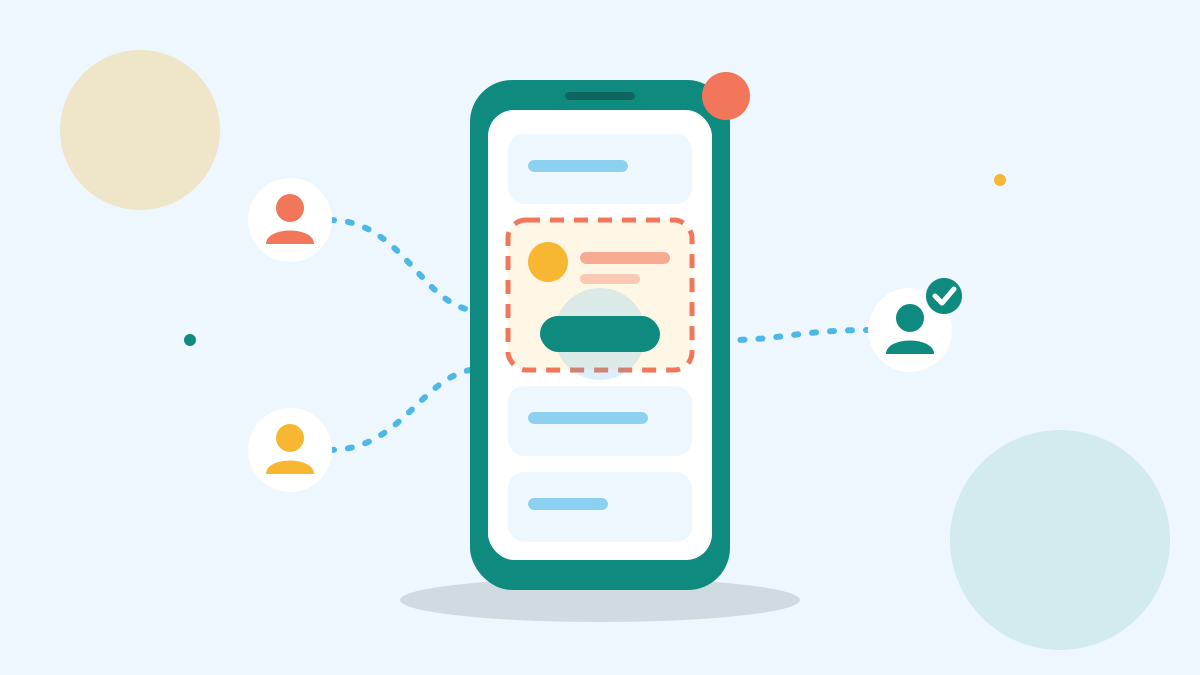
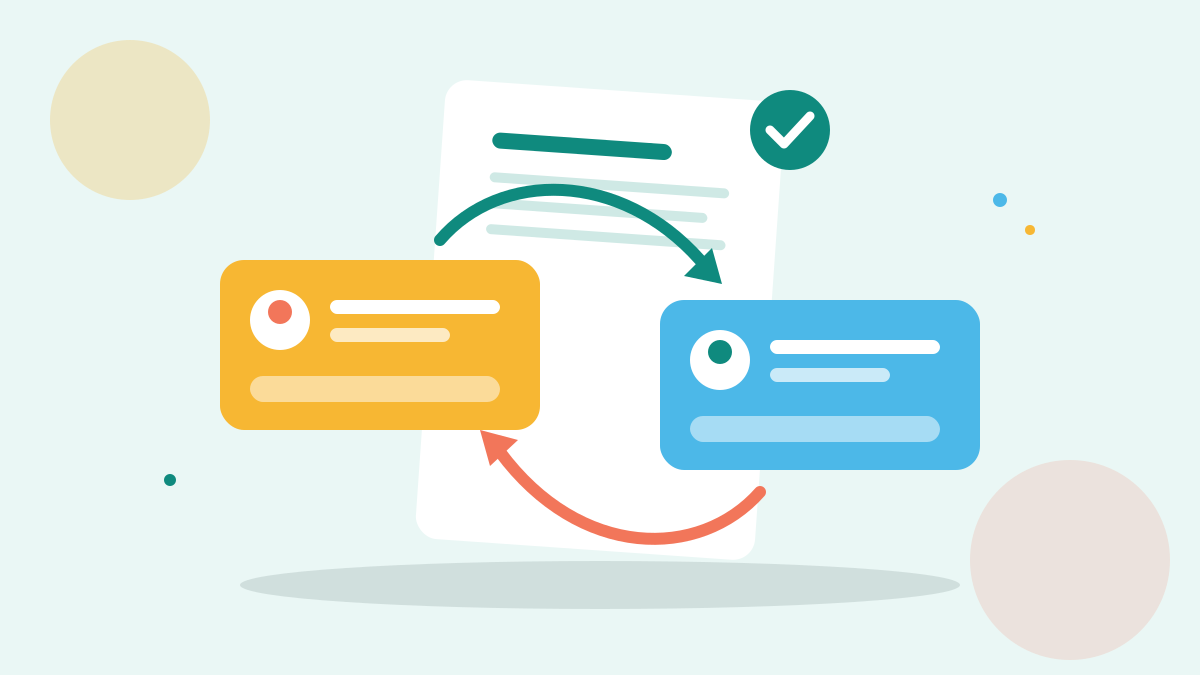
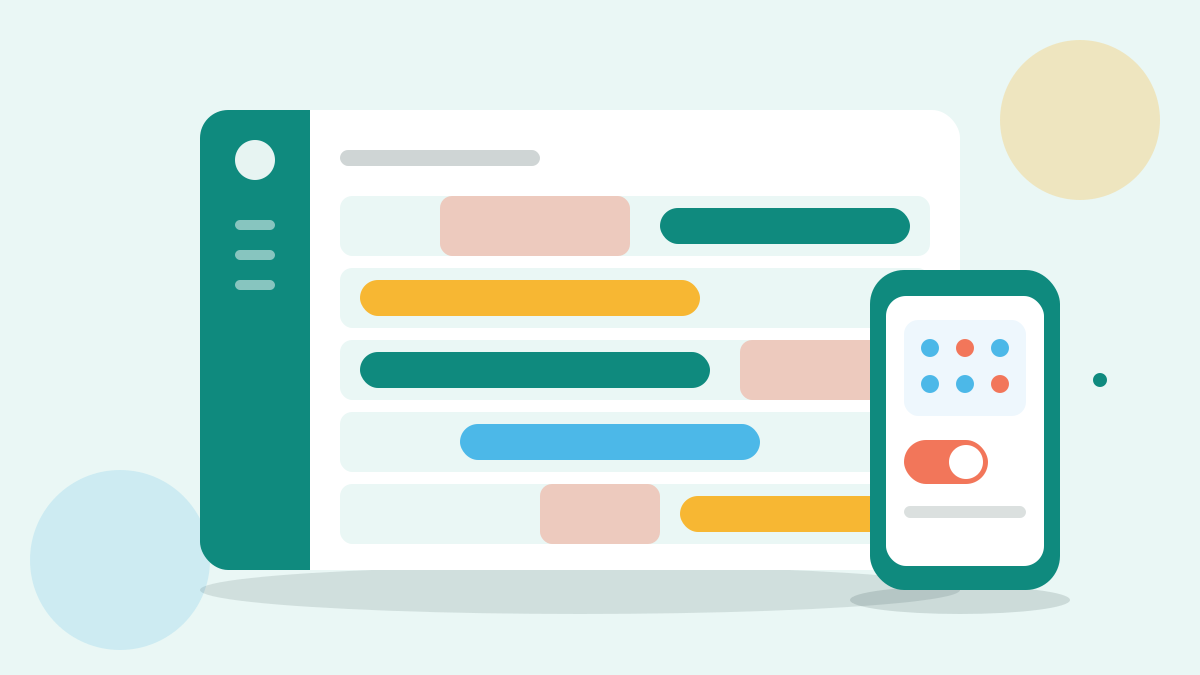
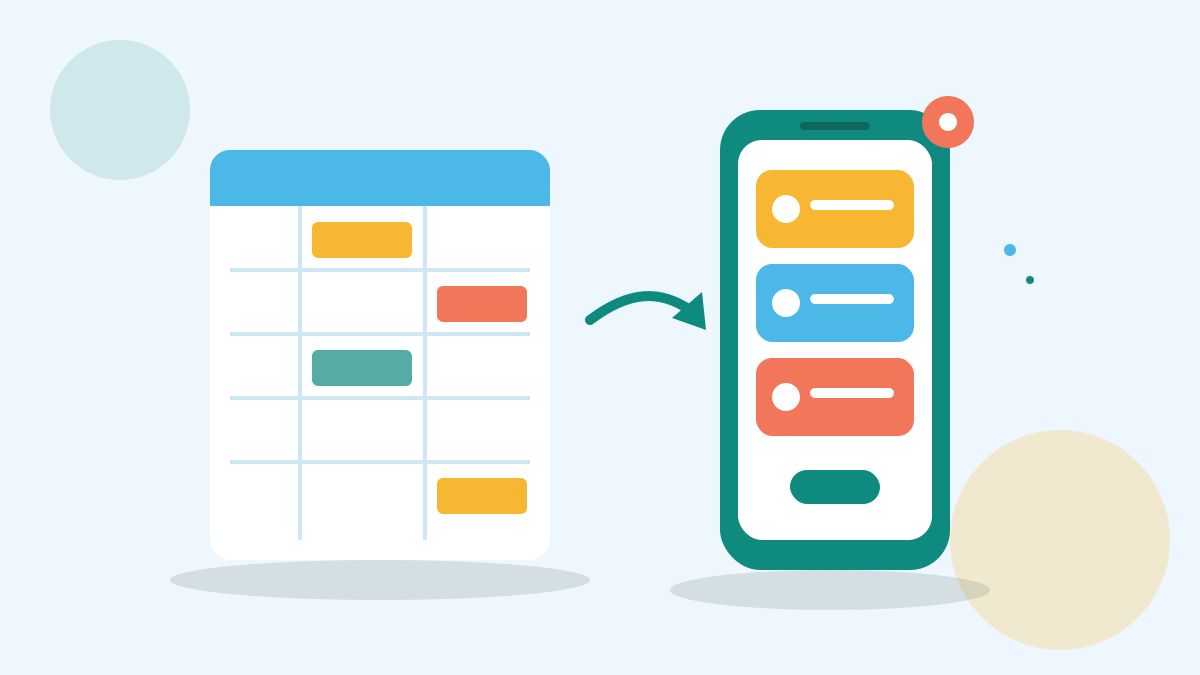
Open shifts are now in Fernhour. An open shift is a gap on the rota that you post for the team to claim, instead of texting people one by one. Everyone with the right role sees it on their phone. The first person to claim it gets it, once you approve.
We built open shifts because covering gaps was the most common reason managers wrote to support. Most of them described the same morning: a list of numbers, a run of texts, and the rota fixed by hand once someone said yes.
How open shifts work #
-
Mark the shift as open
On the rota, open the shift and choose "Make open". You can do this for a new gap or for a shift someone has dropped.
-
Choose who sees it
By default, everyone with the same role sees it. You can narrow it to your cover list.
-
Approve the claim
When someone claims it, you get a notice. Approve it, and the rota updates for everyone.
Fernhour checks hours and rest before anyone can claim. A person who would go over their hours, or start too soon after a late close, does not see the shift.
Where it helps most #
Open shifts fit the routine in our guide to covering a sick call before opening: a cover list, a fair order and a clear record of who covered. The app keeps the order for you.
They also fit a written swap policy for your team. Add one line: gaps go up as open shifts, and the rota is the only truth.
Turning it on #
Open shifts are on for every Fernhour team from today. If you would rather keep cover by phone, switch them off under Settings, then Rota.
Questions about open shifts go to our support team at [email protected]. For the wider idea behind letting staff pick up shifts, the overview of shift work is a useful read.
Signing up by email is not open on this site.
About the author
Customer support lead at Fernhour
Experience Answers the questions managers send to Fernhour support every day
Joel leads Fernhour's support team. He hears first when a rota goes wrong, and he writes up the fixes that work so other managers can use them. He also writes the notes on each new Fernhour feature.