The WordPress alternative for blogs that need to be fast and safe.
Khalid is one small Rust program. No plugins to patch, no PHP, no database server. SEO built in.
Free and open source. Release 1.1.1.
curl -fsSL https://raw.githubusercontent.com/thebigasif/khalid/main/scripts/install.sh | sh
khalid init blog --address https://blog.example.com --yes
khalid --site blog serve
WordPress builds your page on every visit. Khalid builds it once.
Less work per visit means faster pages and less code exposed.
WordPress
Khalid
When you publish
- The post is saved to the database
- Khalid renders the page and its schema
- The finished page is kept ready
On every visit
- A reader asks for a post
- PHP starts the request
- WordPress core loads
- Every active plugin and the theme run
- The database answers its queries
- The page is put together and sent
- A reader asks for a post
- The finished page is sent
6steps on every visit
2steps on every visit
Fast enough to time yourself.
Your browser times a real request to our blog. Khalid's CI holds the limits beside it.
ms
Your browser fetched serpdad.com/blog just now: the whole page, with the trip across your network.
Limits CI enforces on every pull request
- From start to the first page served
- < 100ms
- To render a post page, median
- < 1ms
- For a cached page
- 10,000+req/s
- Of compressed CSS on public pages
- < 20KB
Fewer parts. Fewer doors.
Every part a site runs is one more thing to patch, and one more way in.
A WordPress blog
6kinds of parts to patch, plus one per plugin
- 01PHP runtimeIts own updates
- 02Database serverMySQL or MariaDB
- 03WordPress coreIts own updates
- 04The themeCode that runs on every page
- 05Every pluginEach one more code to trust
- 06The admin loginAt /wp-login.php
A Khalid blog
1program to update
- Memory-safe RustUnsafe code is forbidden in every crate.
- Passkey sign-inFor the admin, instead of a password.
- A strict content security policySent with every page, so injected scripts do not run.
- A scratch Docker imageThe binary and nothing else, run as a non-root user.
See it running before you install it.
Our own blog runs on Khalid. So do a full demo, all 11 templates and six example blogs.
-
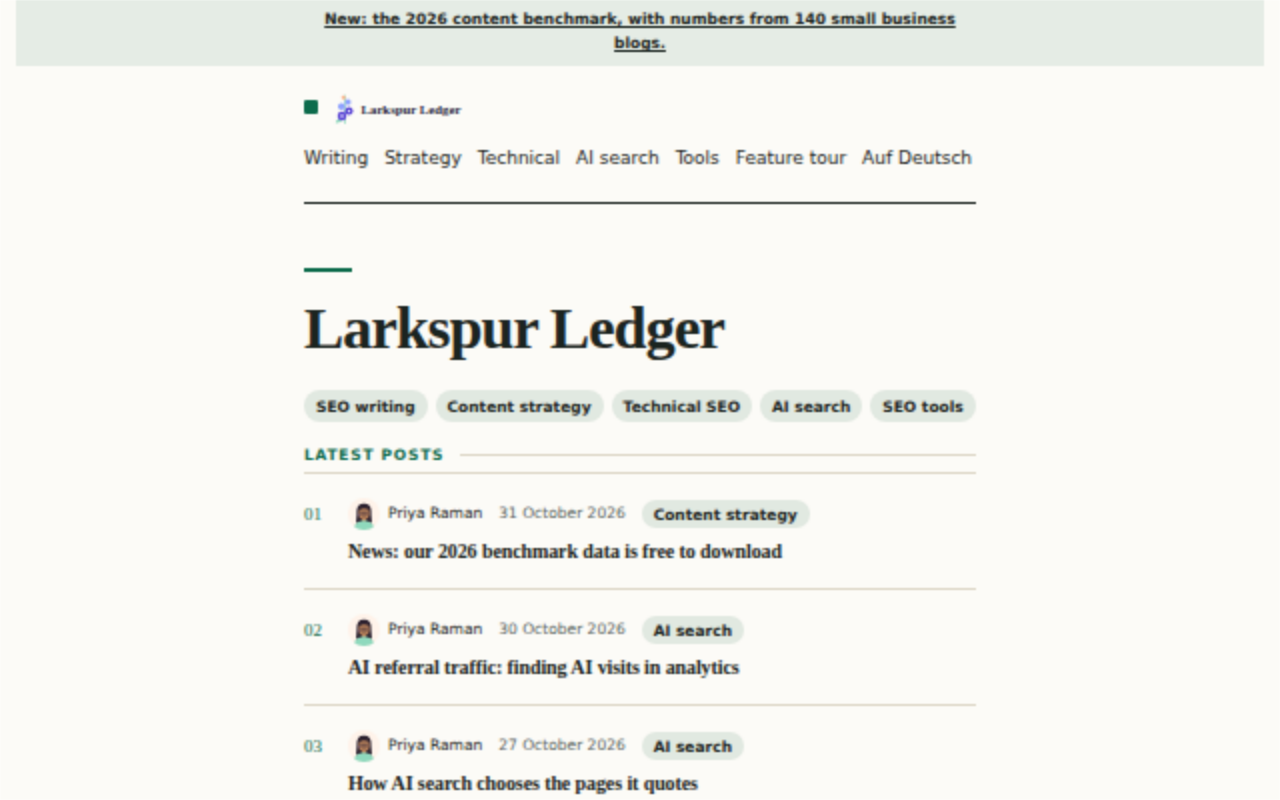 LedgerA calm, text-led blog for studies and how-tos
-
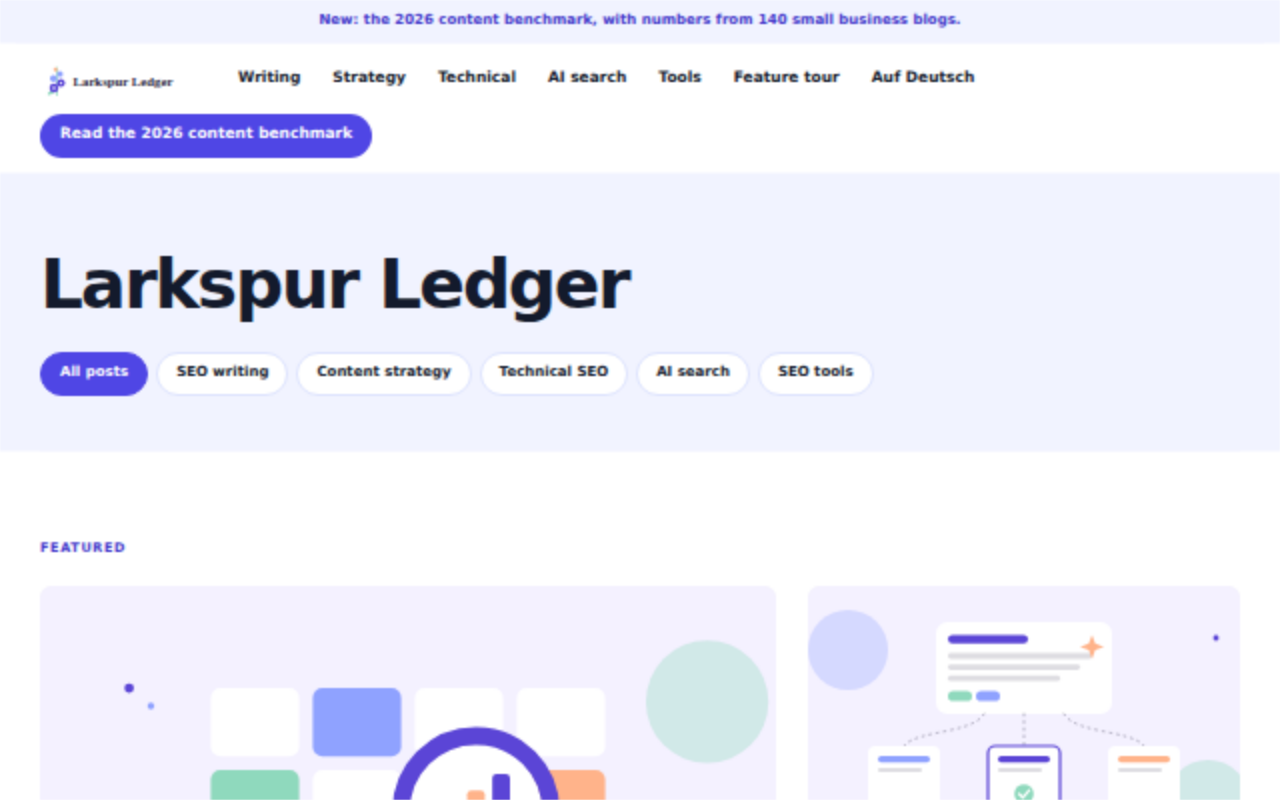 AtlasA portal with many topics and topic tabs
-
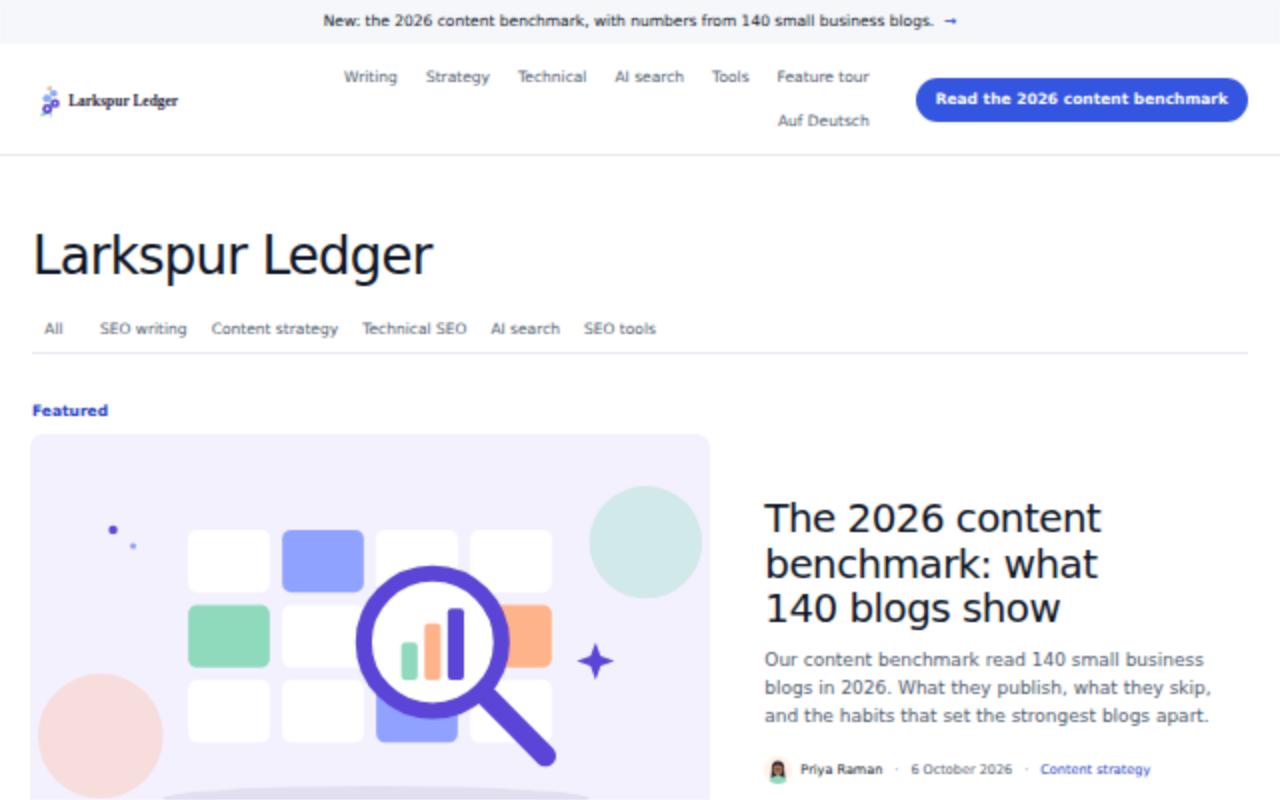 KeystoneA personal guide site in numbered chapters
-
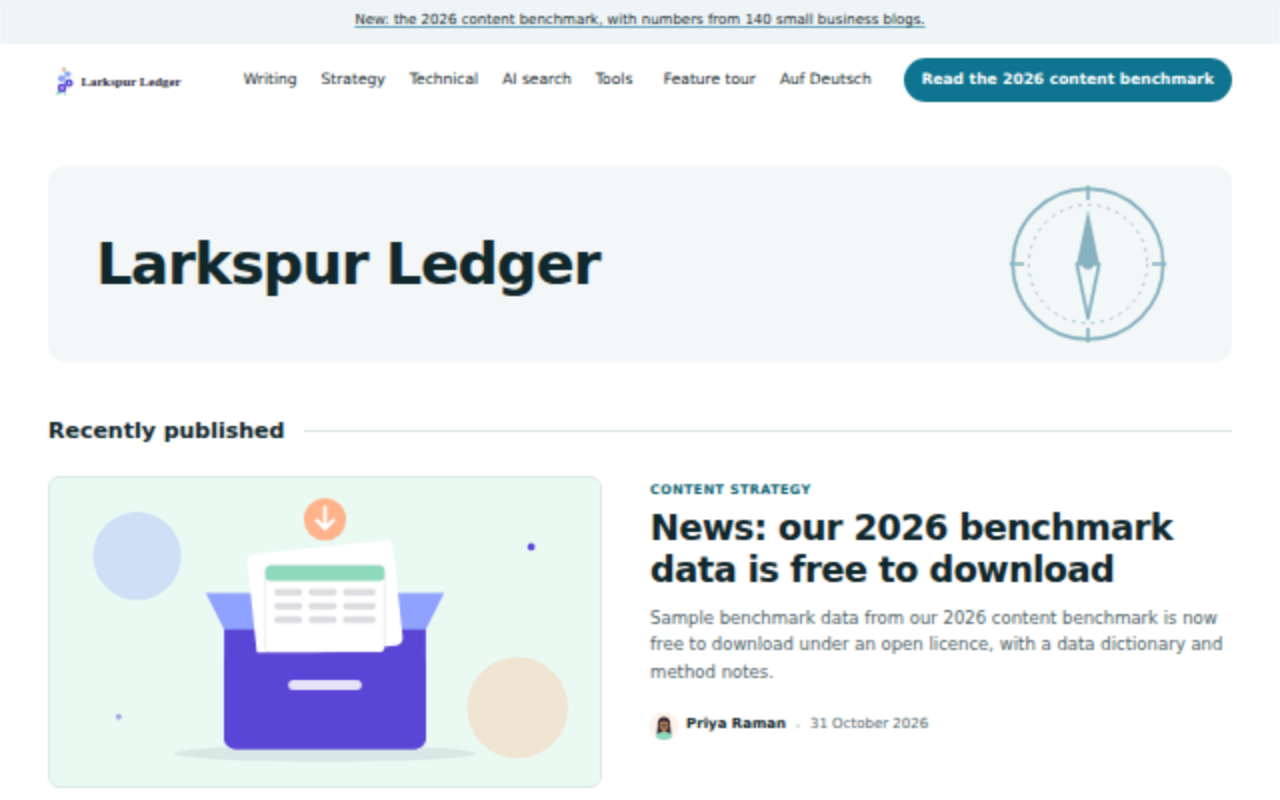 CompassA teaching blog, key points first
-
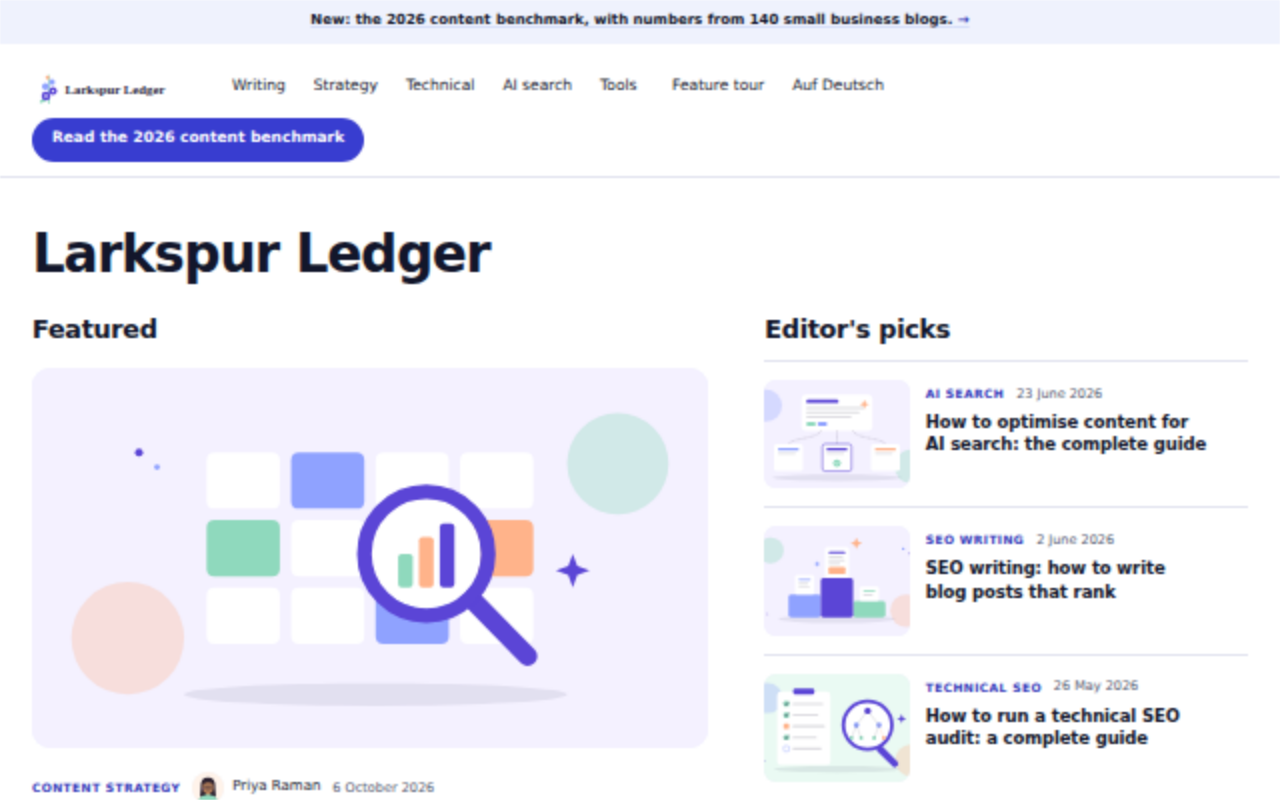 HarborA busy marketing blog with sign-ups up front
-
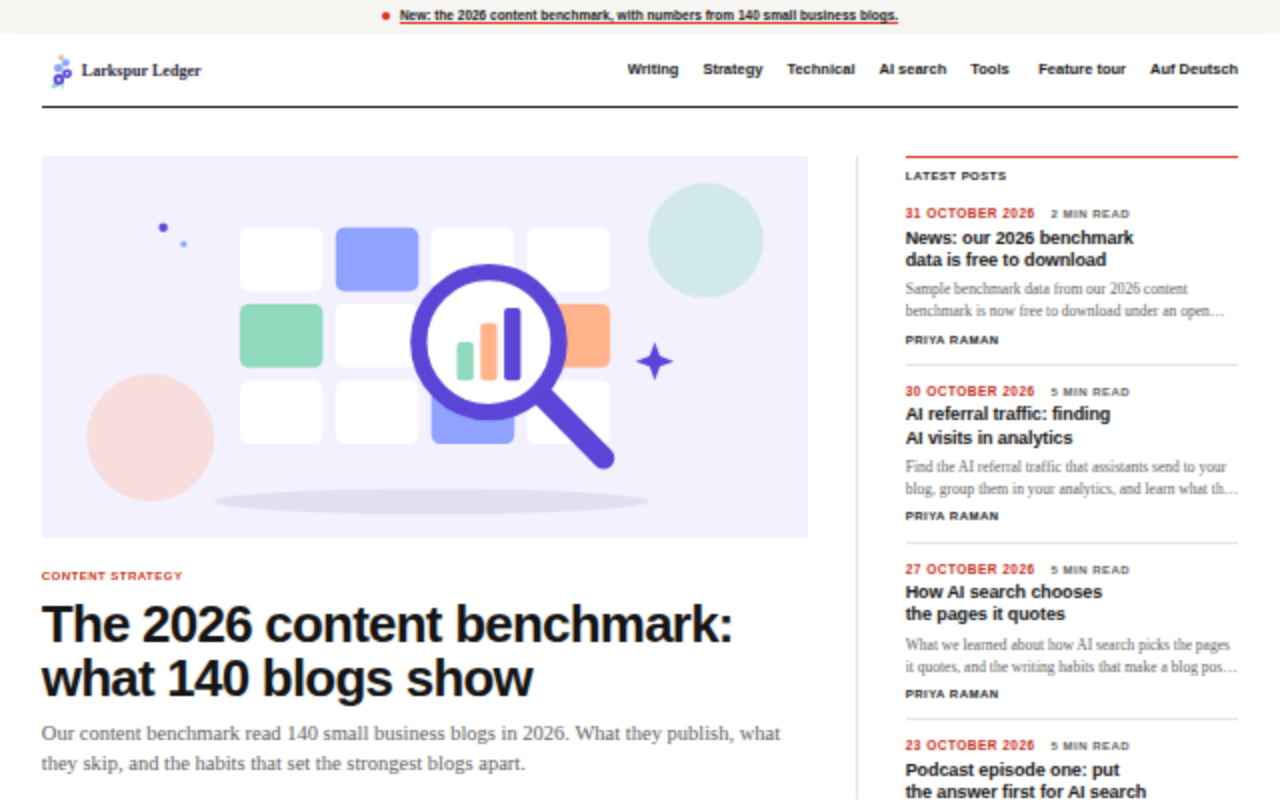 WireNews and columns, with a lead story
-
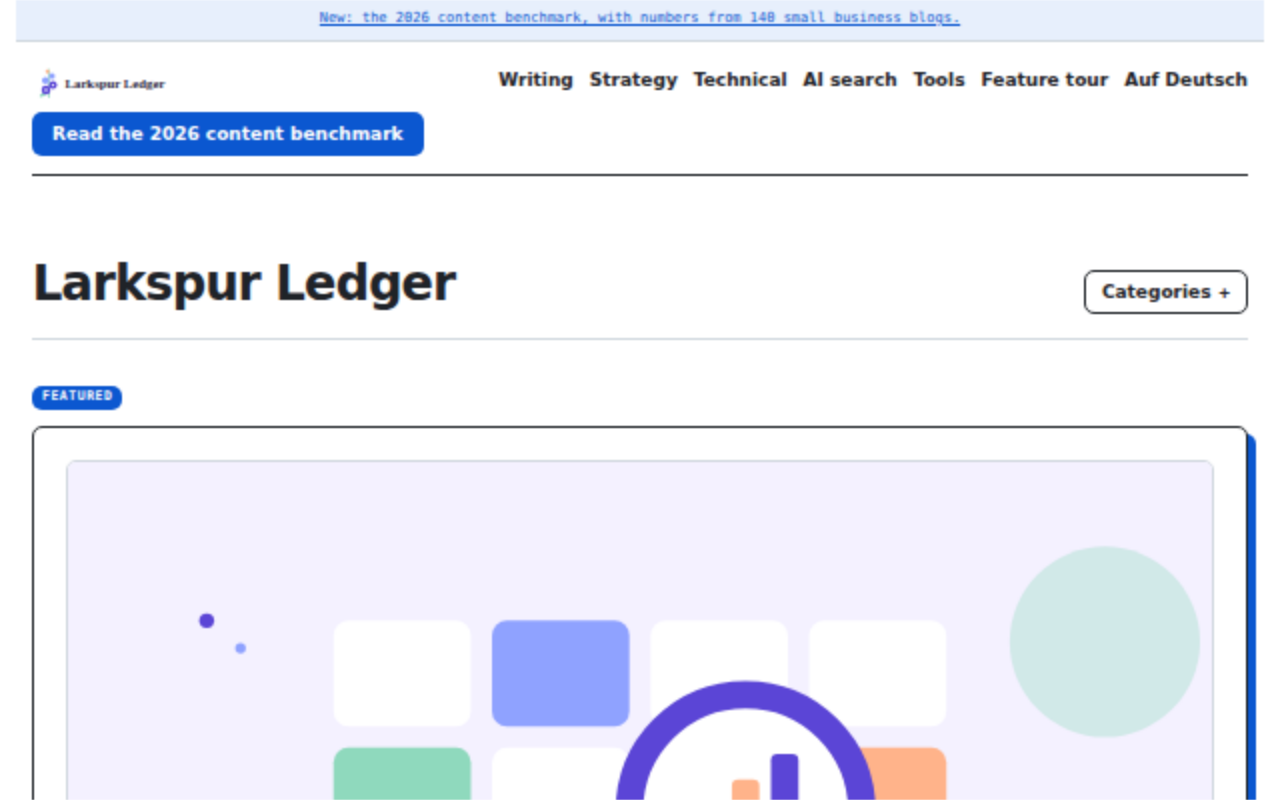 WorkbenchTool reviews with wide tables
-
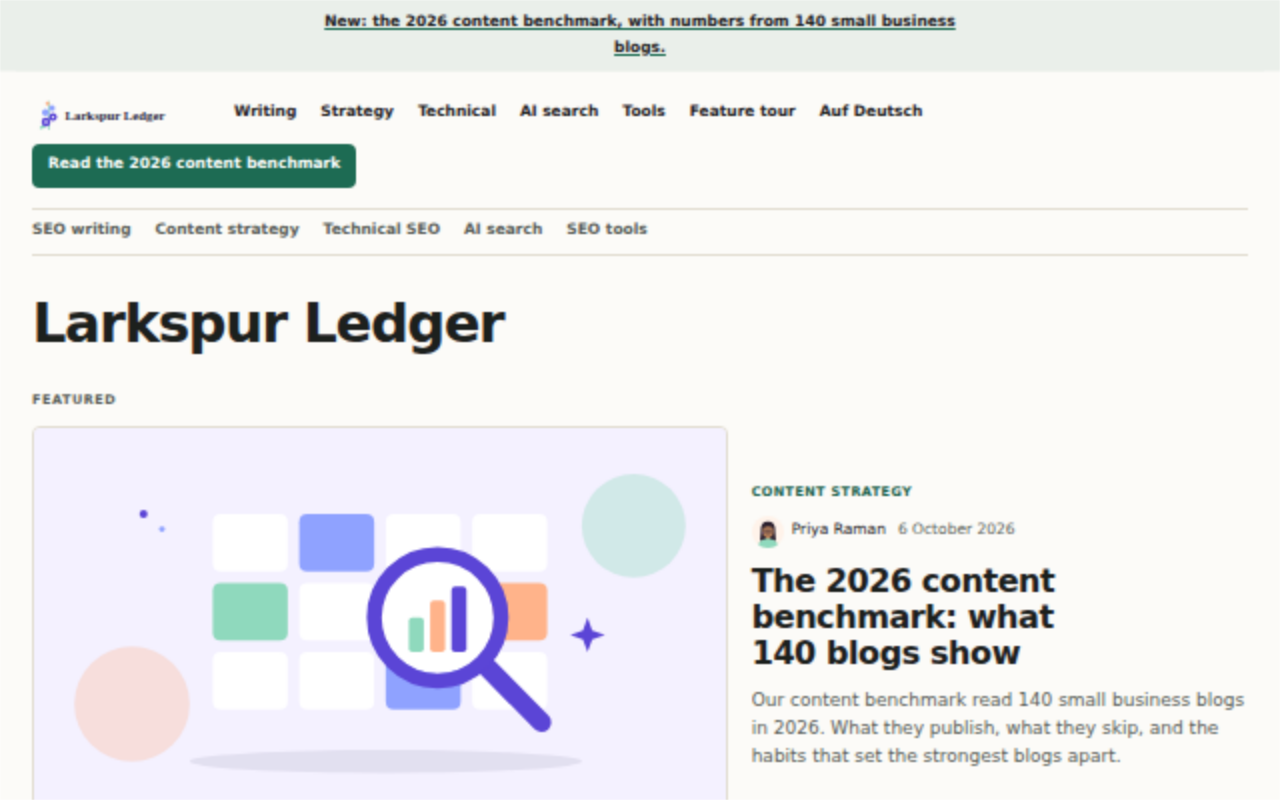 AlmanacA library of long guides
-
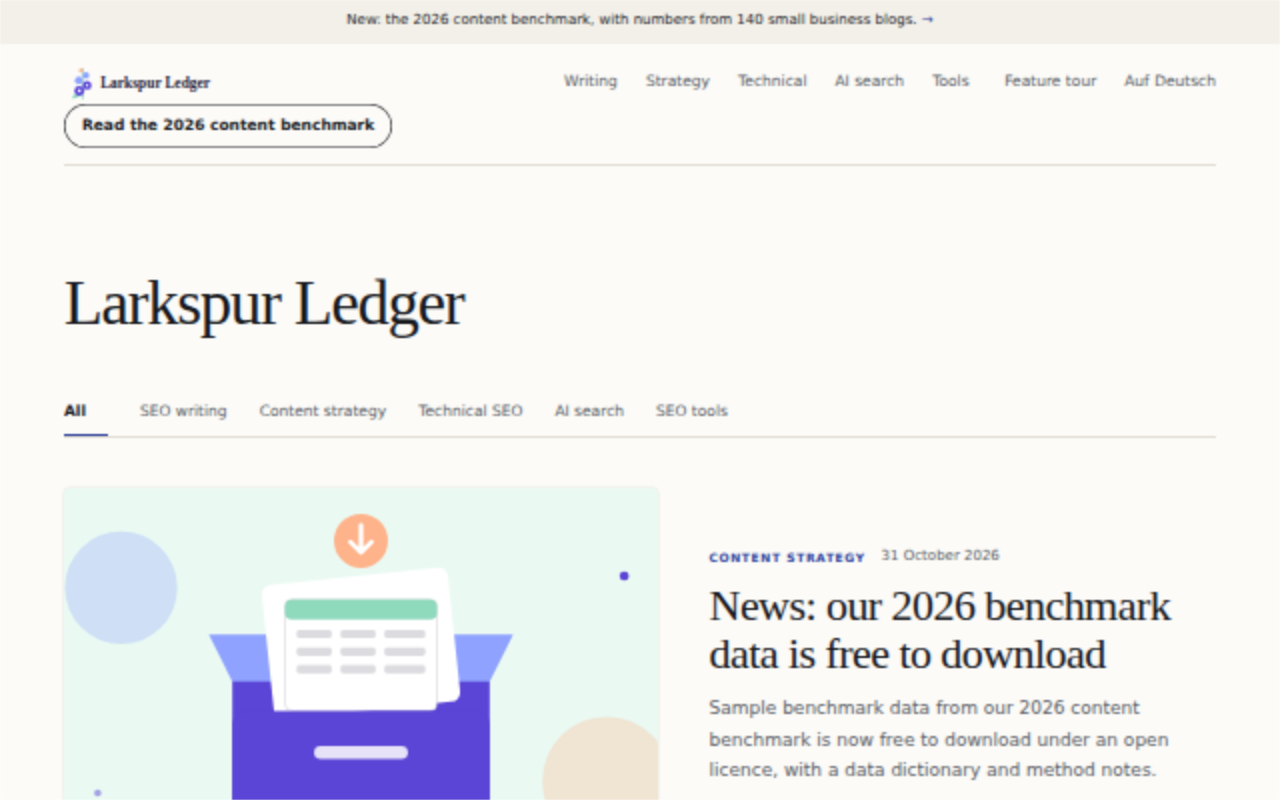 MeridianA company journal with many authors
-
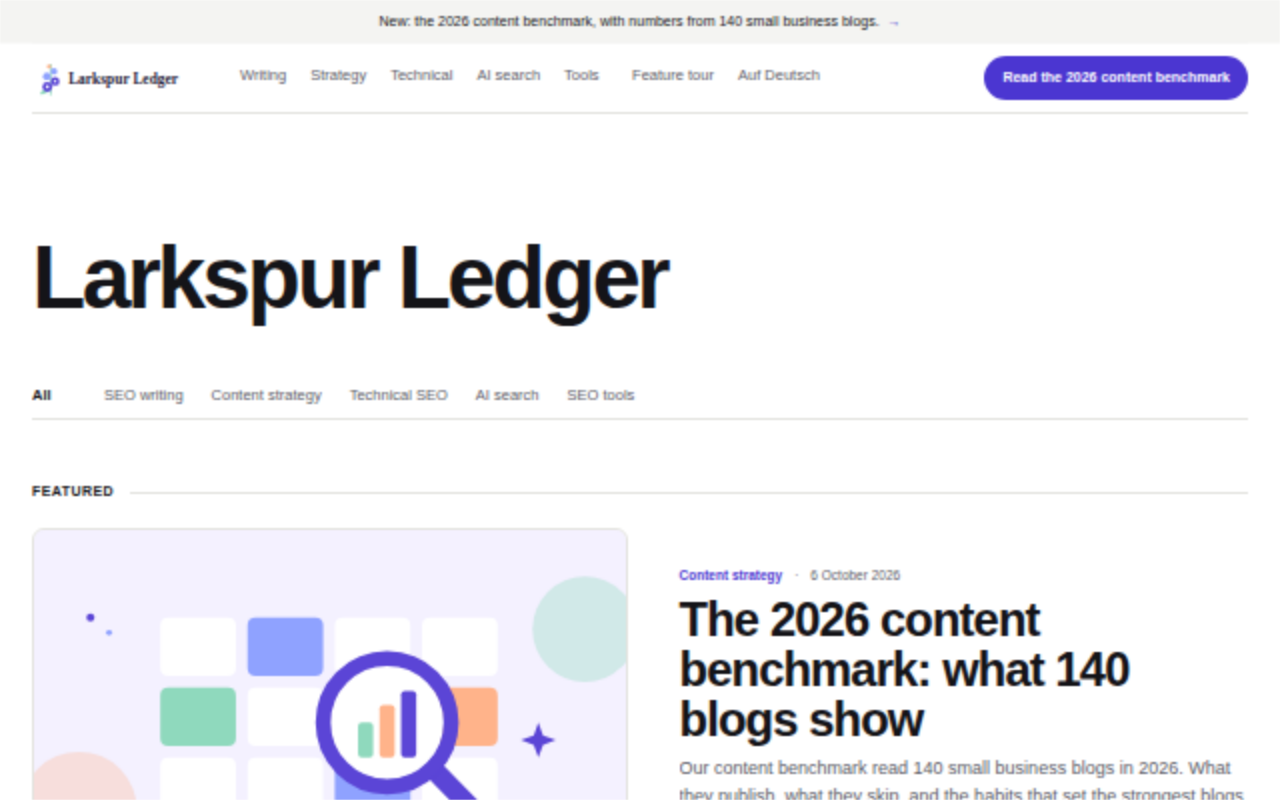 FolioA product team's essays
-
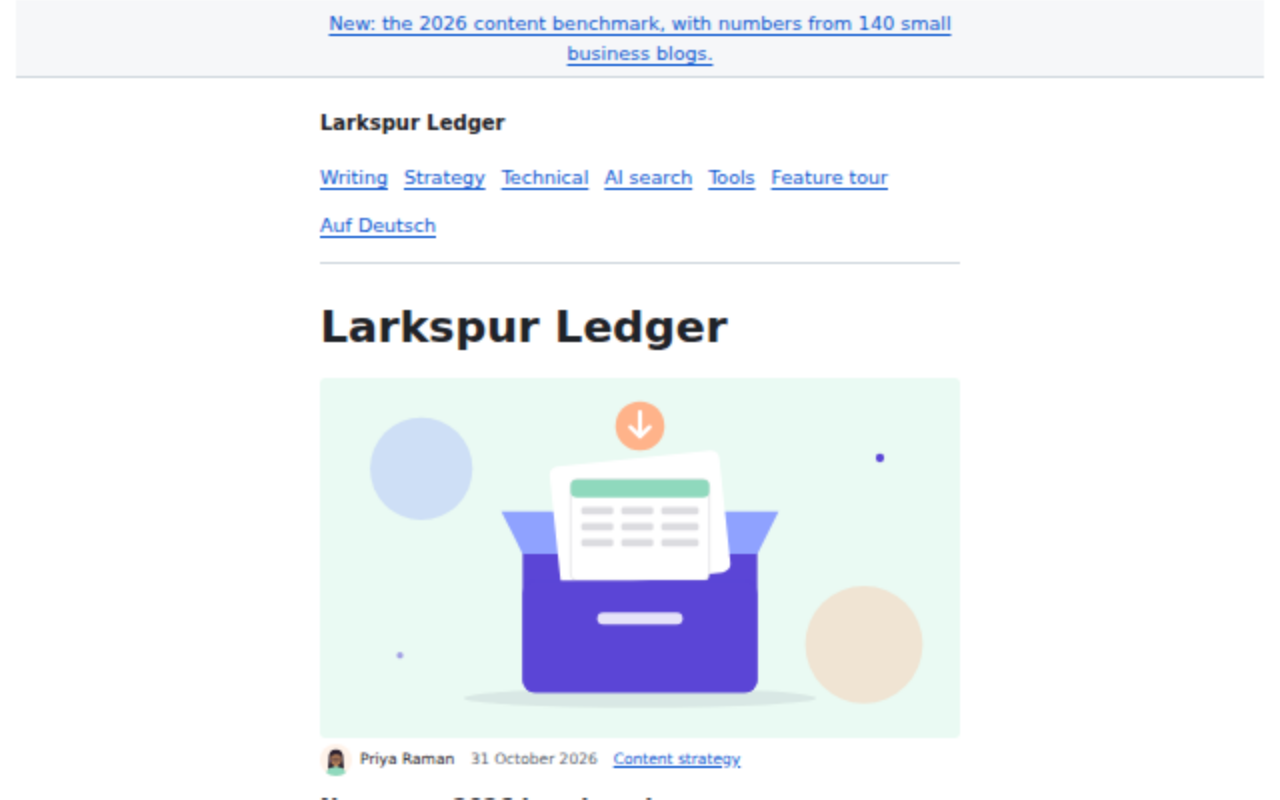 ClassicThe original Khalid look
- All 11 templatesSide by side, each with its home page and a post.
Example blogs to copy
SEO, built in. No plugin.
On every page
- Title and description templates per page type
- Canonical links and index rules per page type
- Open Graph and X cards, with a share image made for every post
- hreflang between language versions
- Search engine verification tags and files
- Fast pages: sized, compressed WebP images and no layout shift
Schema markup
- Article, author and publisher on every post
- Breadcrumbs, FAQ, how-to and item lists
- Product, review, recipe, course, event and book
- Video, podcast, dataset, software and local business
- Fact checks with ClaimReview and glossary terms
- Checked against Google's required properties
Crawl and index
- XML sitemaps with an index, plus news and video sitemaps
- An HTML sitemap for readers
- robots.txt and RSS, Atom and JSON feeds
- IndexNow pings the moment a post goes live
- Bing Webmaster Tools and Google Search Console connected
Links and redirects
- 301 redirects kept when an address changes
- Redirect patterns and CSV import
- Internal link map with orphan page checks
- Anchor text and broken link checks
- One link policy for nofollow, sponsored and new tabs
AI search
- llms.txt and an AI info page
- Answer-first writing checks
- Reports on AI crawlers that visit
- A fact registry that keeps every post consistent
Checked before it goes live
- Focus keyword in the places that count
- Title and description length for search results
- Heading order and reading ease
- Near-duplicate posts caught
- Author and about pages that show who writes
- Comparison and review pages given the shape they need
- A site audit with a health score
Khalid vs WordPress.
The choices that matter for a blog, side by side, including where WordPress wins.
- SpeedKhalid builds each page once, at publish. WordPress builds it on every visit.
- SecurityOne program and no plugins, against core, PHP, a database and every plugin.
- SEO built inSchema, share cards and a linter that blocks weak posts. WordPress needs an SEO plugin.
| Feature | Khalid | WordPress |
|---|---|---|
| Speed | ||
| When a page is built | Yes:Once, when you publish | No:On every visit, in PHP |
| Page caching | Yes:Built in | Partly:Needs a caching plugin |
| JavaScript needed to read a post | Yes:None, posts work with scripts off | Partly:Depends on the theme and plugins |
| Security and upkeep | ||
| Third-party code on the server | Yes:None, there are no plugins | No:Every plugin runs with full access |
| What you keep updated | Yes:One program | Partly:Core, PHP, the database, every plugin and theme |
| Automatic security updates | No:No, you install each release | Yes:Minor core releases install themselves |
| Passkey sign-in | Yes:Built in | Partly:Needs a plugin |
| Content security policy | Yes:A strict policy on every page | No:Not sent by default |
| SEO and AI search | ||
| Meta descriptions | Yes:Built in, with templates per page type | Partly:Needs an SEO plugin, such as Yoast or Rank Math |
| Schema markup | Yes:For every kind of post | Partly:Needs an SEO plugin |
| XML sitemaps | Yes:Built in, plus news sitemaps | Yes:Built in since version 5.5 |
| Share cards and images | Yes:A share image made for every post | Partly:Needs an SEO plugin |
| A check that blocks weak posts | Yes:The linter, with a reason for each finding | No:Not available |
| llms.txt and an AI info page | Yes:Built in | Partly:Needs a plugin |
| Answer-first writing checks | Yes:Built in | No:Not available |
| Writing and publishing | ||
| Web editor | Yes:Rich text or Markdown, with blocks | Yes:The block editor |
| Page builder for whole layouts | No:No, 11 ready templates | Yes:The block and site editor |
| Newsletter | Yes:Built in, through your own mail provider | Partly:Needs a plugin |
| Several languages | Yes:Linked translations with hreflang | Partly:Needs a multilingual plugin |
| Content you own | ||
| Where posts live | Yes:Markdown files you can keep in git | Partly:Rows in a MySQL or MariaDB database |
| Importing a blog | Yes:From WordPress, Ghost, Medium, Substack and Markdown | Partly:Official importer plugins for WordPress, Blogger, Tumblr, RSS and more |
| Exporting | Yes:Posts are already files | Partly:An XML file of your content |
| Full backups | Yes:One command, one file | Partly:Needs a backup plugin or your host |
| For developers | ||
| Command line | Yes:Built into the program | Partly:WP-CLI, installed on its own |
| APIs | Yes:Content API, Admin API, OpenAPI file and TypeScript SDK | Yes:The REST API |
| MCP server for AI agents | Yes:Built in | Partly:Needs a plugin |
| Webhooks | Yes:Signed webhooks built in | Partly:Needs a plugin |
| Hosting and cost | ||
| Price of the software | Yes:Free, AGPL-3.0 | Yes:Free, GPL v2 or later |
| What the server runs | Yes:One binary, no database server | Partly:PHP, a web server and MySQL or MariaDB |
| Free static hosting | Yes:One click to Cloudflare's free plan | No:No static output in core |
| Managed hosting | No:No hosted service | Yes:WordPress.com and many managed hosts |
| Ecosystem | ||
| Plugins and themes | No:No plugins; 11 templates | Yes:Large free directories of both |
| Online shop | No:Not built for it | Partly:Yes, with WooCommerce, a free plugin |
| Paid memberships | No:Not available | Partly:Needs a membership plugin |
| Community and hiring | Partly:A new, small project | Yes:A huge community and hiring pool |
Compared with a self-hosted WordPress.org install, without plugins, checked 2 Nov 2026.
What a fast, secure WordPress blog costs a year.
WordPress is free. The plugins and hosting that make it fast and safe are not.
WordPress, made fast and safe
- SEO pluginYoast SEO Premium, 1 site$118.80
- Caching pluginWP Rocket Single, 1 site$60.00
- Security pluginWordfence Premium, 1 site$149.00
- Backup pluginUpdraftPlus Premium Personal, up to 2 sites$70.00
- Shared hostingBluehost Starter, intro price on a 36-month term$47.88
$445.68a year
With Kinsta managed hosting at $350 in place of shared hosting: $747.80 a year.
Khalid
- SEOMeta, schema, sitemaps, share images and the linter$0
- CachingPages built once, at publish$0
- SecurityNo plugins or PHP to protect$0
- Backupskhalid backup, one file$0
- HostingCloudflare's free plan, for a static blog$0
$0a year
$48 a year for the full server features, on a DigitalOcean Basic Droplet at $4 a month.
List prices for one site, billed yearly, checked 2 Nov 2026. You may not need every plugin; prices exclude taxes. Sources: Yoast, WP Rocket, Wordfence, UpdraftPlus, Bluehost, Kinsta, DigitalOcean.
Start in a minute.
Install
Linux or Mac. Windows has an .exe.
curl -fsSL https://raw.githubusercontent.com/thebigasif/khalid/main/scripts/install.sh | sh
khalid init blog --address https://blog.example.com --yes
khalid --site blog serve
Docker
For x86_64 and ARM.
docker run --rm -u "$(id -u):$(id -g)" -v "$PWD/site:/site" ghcr.io/thebigasif/khalid:1.1.1 init /site --address https://blog.example.com --yes
docker run -d -u "$(id -u):$(id -g)" -p 8080:8080 -v "$PWD/site:/site" ghcr.io/thebigasif/khalid:1.1.1Questions about Khalid.
Can't find the answer? Email us.
Is Khalid a good WordPress alternative?
For a blog, yes. Khalid runs the blog beside your website, with SEO built in and no plugins to manage. If you need a page builder, a shop or thousands of plugins, WordPress fits better.
Can I move my WordPress blog to Khalid?
Yes. khalid import reads a WordPress export file, keeps your post addresses and stores a redirect for each one that moves. It also imports from Ghost, Medium and Substack.
Is Khalid faster than WordPress?
Khalid is built for speed. It renders each page when you publish, not when someone visits, and serves it from memory. Its speed limits are checked by CI on every pull request. We publish limits, not race results.
Is Khalid more secure than WordPress?
Khalid has less to attack. It is one program in memory-safe Rust, with no plugins, no PHP and no database server. Staff can sign in with a passkey, and its server sends a strict content security policy with every page. You still need to install updates.
Is Khalid free?
Yes. Khalid is open source under the AGPL-3.0 licence, with no paid edition. You pay only for the server you run it on, and a static Khalid blog can run on Cloudflare's free plan.
Leave the plugins behind.
Run a fast, safe blog with Khalid.
Free and open source.